Asking AI About Your Library
Use Glassy's AI assistant to ask questions about everything you've saved — with answers grounded in your actual notes, bookmarks, and captures, complete with source citations.
Before you start
- local-ai/02-related-notes-and-smart-tags
What you'll learn
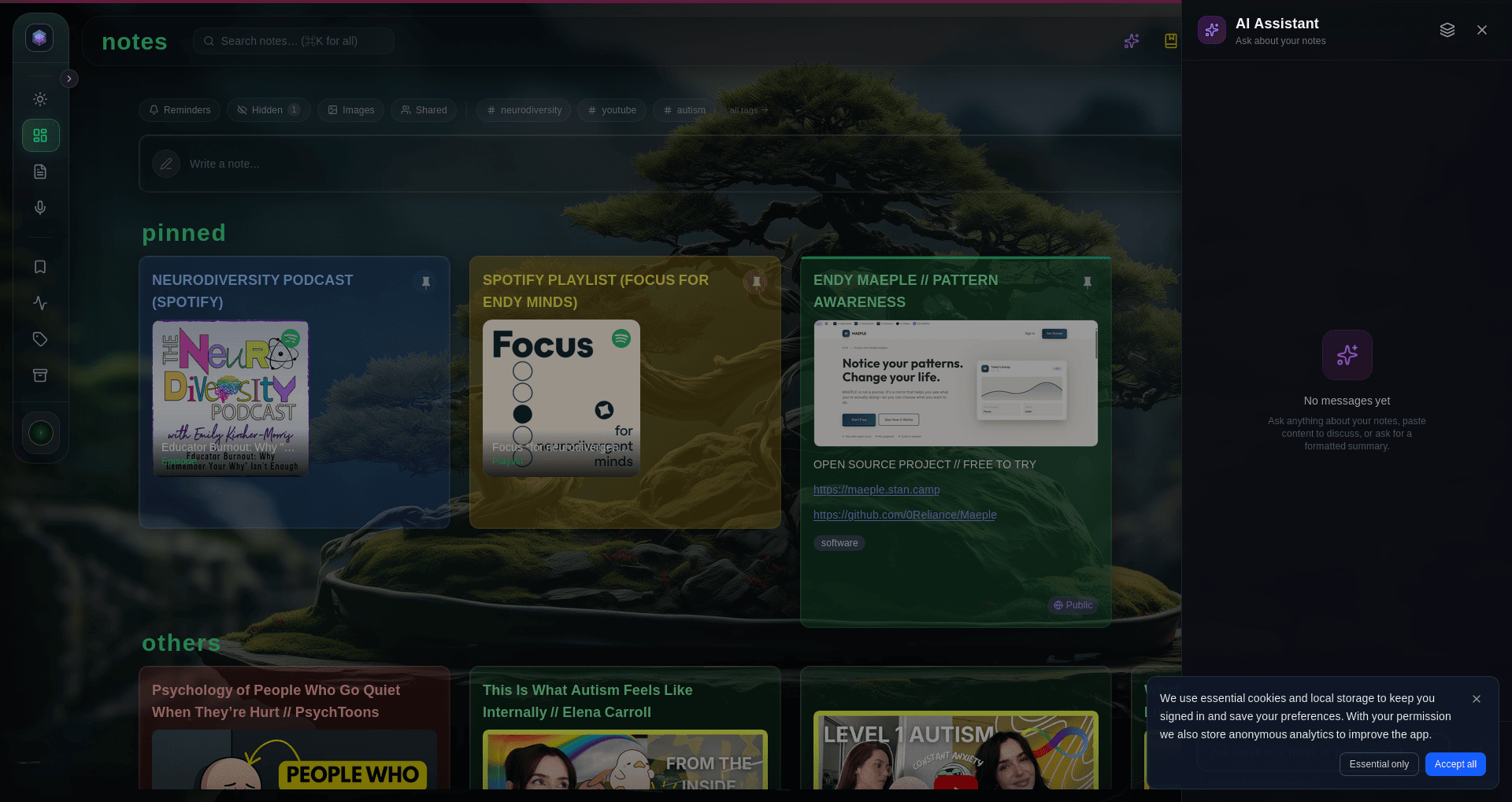
- Open and use the AI assistant
- Ask natural-language questions about your library
- Understand how answers are grounded in your saved content
- Trace answers back to source notes via citations
- Know how to use the Knowledge Base for scoped searches
Your library of notes, bookmarks, and captures is only as useful as your ability to retrieve what’s in it. Glassy’s AI assistant turns it from a pile of saved pages into a queryable knowledge base — and because the model runs on your device by default, you can ask anything without privacy concerns.
Opening the AI assistant
The AI assistant is available from the Glassy interface. Ask it questions like:
“What were my main takeaways from articles I saved about productivity?”
“What do my saved articles agree and disagree on regarding remote work?”
“I captured something about a study on sleep and memory — what did it say?”
How answers are grounded
Glassy’s AI doesn’t make things up from thin air. When you ask a question:
- Semantic search finds the most relevant notes in your library using local embeddings (or cloud embeddings if WebGPU isn’t available)
- The model receives those notes as context — it sees the actual content you saved
- The response cites its sources — each answer includes inline citations linking back to the specific notes
Citations
Each AI response includes a Sources section showing the notes it drew from. Each citation shows:
- Title of the source note
- Snippet — the relevant excerpt
- Relevance score — how closely it matched (as a percentage)
Click any citation to open the source note directly. This lets you:
- Verify the AI didn’t hallucinate — check the original
- Read more context around a claim
- Follow up with notes or further questions on that source
Writing effective queries
Be specific. Vague queries return vague answers.
| Vague | Specific |
|---|---|
| ”What do I know about AI?" | "What are the arguments against AI replacing knowledge workers that I’ve captured?" |
| "Show me programming stuff" | "What TypeScript patterns have I captured related to type narrowing?" |
| "Health notes" | "What did the articles I saved last week say about intermittent fasting and cognitive performance?” |
Useful query patterns
- Synthesis — “What do my saved articles agree and disagree on regarding remote work productivity?”
- Gap-finding — “Based on my captures about startup fundraising, what topics haven’t I covered yet?”
- Comparison — “How do the authors I’ve saved describe the difference between deep work and flow state?”
- Recall — “I captured something about a study on sleep and memory — what did it say?”
The Knowledge Base workspace
The Knowledge Base (#/kb, in the sidebar under Organize) is a dedicated search interface for your indexed content. It’s where the AI draws its context from.
Source scope
The Knowledge Base has scope toggle pills to filter by source type:
| Pill | What it includes |
|---|---|
| All | Everything indexed |
| Keep | Bookmarks and captures from GlassyKeep |
| Notes | Your notes |
| Vault | Obsidian vault files (if connected) |
Voice transcripts are also indexed and searchable.
Search method badges
Each search result shows a badge indicating how it was found:
| Badge | Meaning |
|---|---|
| Text | BM25 keyword match |
| Semantic | Vector similarity (meaning-based) |
| Hybrid | Both, merged via Reciprocal Rank Fusion |
Hybrid search gives the best of both — precise keyword matching plus conceptual discovery.
Context limits
Local AI models have a fixed context window — typically 8,000–32,000 tokens depending on the model. If your query retrieves more content than fits:
- The oldest or least-relevant captures are dropped from context
- You may see a warning that some captures were excluded
- Narrow your query or scope to a specific source type to keep results focused
What’s next?
The shared foundation ends here. The next lessons fork into Glassy Cloud (managed AI providers, cost caps, BYOK) and Glassy Self-Host (Ollama, no limits).
- Glassy Cloud users: continue to Cloud AI & Smart Routing
- Self-hosted users: jump to Ollama: Local Models on Your Server