Ollama: Local Models on Your Server
Run capable LLMs like Llama and Qwen on your self-hosted Glassy server via Ollama — no API costs, no data leaving your machine, optional GPU acceleration.
Before you start
- local-ai/01-how-ai-works-in-glassy
What you'll learn
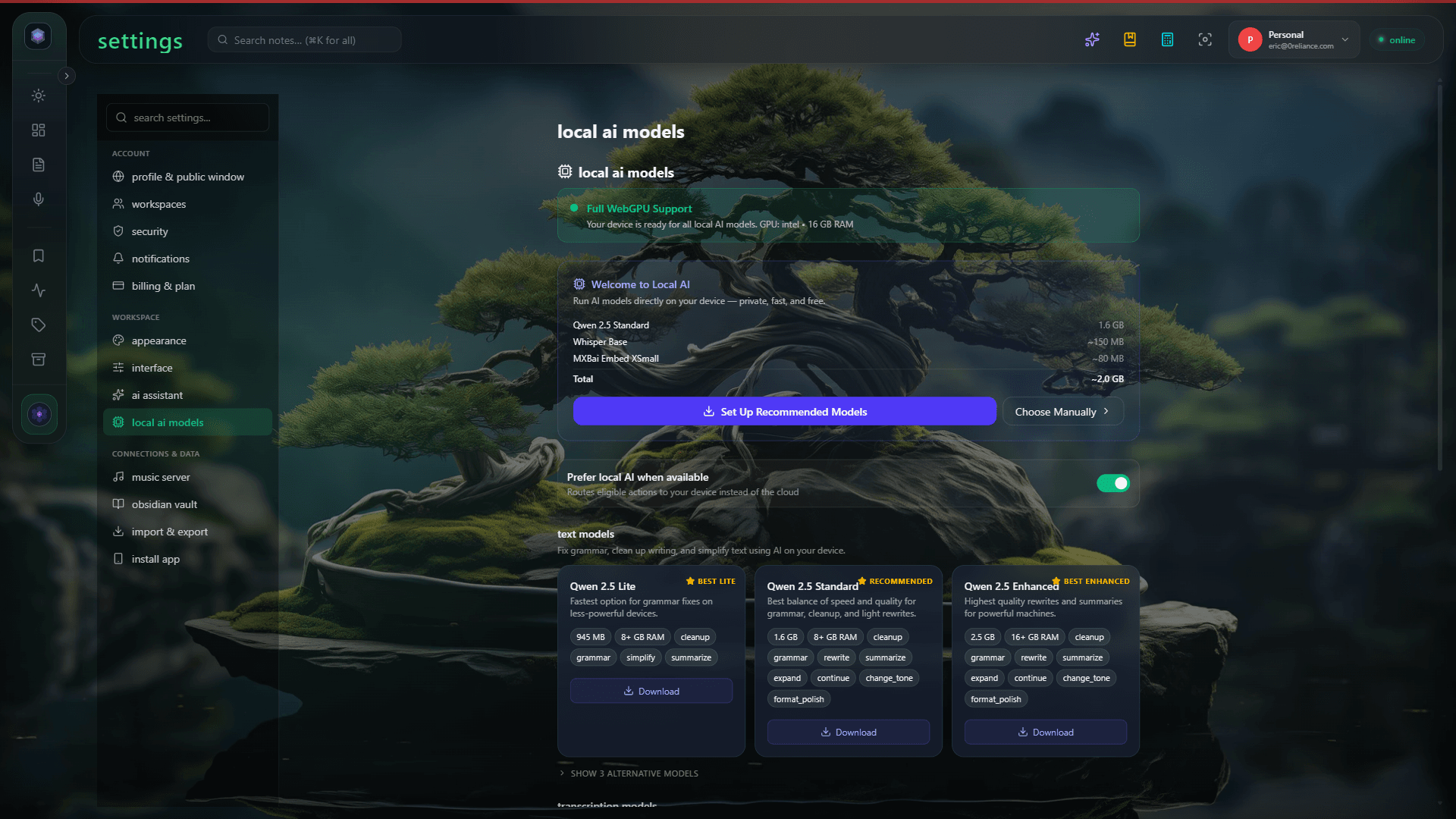
- Understand how Ollama differs from browser-based WebGPU AI
- Configure Ollama on the host or via the bundled sidecar
- Select an Ollama model in Glassy
- Enable GPU acceleration
- Troubleshoot common Ollama connection issues
Reference documentation
Read the technical docs for this feature →Two paths to AI on self-hosted Glassy
Self-hosted Glassy gives you two AI paths:
| Path | Where it runs | Models | Setup |
|---|---|---|---|
| Browser WebGPU | In your browser | Small (0.5B-3B Qwen, embeddings) | None — automatic |
| Ollama | On your server | Large (7B-70B+ Llama, Qwen, etc.) | Install Ollama, configure |
Both work simultaneously. Browser WebGPU handles quick tasks (tagging, summaries, embeddings). Ollama handles heavier queries when you need a more capable model.
How Ollama auto-detects
If Ollama is already running on your host machine, Glassy auto-detects it at http://host.docker.internal:11434 — no configuration needed. The Docker host gateway bridges the container to your host’s Ollama.
Install Ollama on your host
Follow the instructions at ollama.com. On Linux:
curl -fsSL https://ollama.com/install.sh | shPull a model
ollama pull llama3.2Verify Glassy detects it
Restart your Glassy container if needed. In Glassy Settings → AI, you should see Ollama listed as an available provider with the models you’ve pulled.
The bundled Ollama sidecar
If you don’t want to install Ollama on your host, Glassy’s self-hosted appliance includes an optional Ollama sidecar — a separate Docker container that runs Ollama alongside Glassy:
docker compose -f docker-compose.yml -f docker-compose.ollama.yml up -d
docker compose -f docker-compose.yml -f docker-compose.ollama.yml \
  exec ollama ollama pull llama3.2
GPU support
The sidecar supports NVIDIA GPUs. To enable:
- Install the NVIDIA Container Toolkit
- Uncomment the
deployblock indocker-compose.ollama.yml - Restart the sidecar
With GPU acceleration, even large models generate quickly.
Configuring the default model
Set the default Ollama model in your .env:
OLLAMA_BASE_URL=http://host.docker.internal:11434
OLLAMA_MODEL=llama3.2
Use http://ollama:11434 instead if you’re running the bundled sidecar (the service name resolves within Docker’s network).
You can change the active model in Glassy Settings → AI at any time without restarting.
Selecting Ollama in Glassy
When Ollama is detected, it appears as a provider in the AI model selector. Choose it for:
- Chat and queries — Ollama handles the text generation step
- Summaries — longer, more detailed than the browser model
- Complex synthesis — multi-document queries that exceed the browser model’s capacity
The semantic search step (finding relevant notes) still uses browser embeddings or cloud embeddings — Ollama handles only the generation step.
Troubleshooting
What’s next?
Learn how AI works without limits on the self-hosted appliance — no metering, no caps, just BYOK and Ollama.