Bookmarks vs Notes vs Captures
Understand Glassy's three content types — bookmarks for links, notes for ideas, captures for web content — and how they differ in storage, search, and organization.
Before you start
- getting-started/06-capturing-from-the-web
What you'll learn
- Distinguish bookmarks, notes, and captures by purpose and behavior
- Choose the right content type for each situation
- Understand storage implications (bookmarks do not count toward storage)
- Organize mixed content effectively
Glassy has three primary content types. Each serves a different purpose and has different storage behavior.
The three content types
Notes
Purpose: Write down your own thoughts and ideas.
- Stores: title, Markdown content, tags, creation/modification dates
- Storage impact: content size counts toward your storage cap
- Best for: your own writing, meeting notes, ideas, journal entries
- Created via: the + button or N shortcut, Quick Capture bar, MCP
create_notetool, or API
Captures
Purpose: Save web page content permanently.
- Stores: extracted page content (cleaned HTML → Markdown), source URL, images, title, tags
- Storage impact: content size counts toward your storage cap (text + images)
- Best for: articles, blog posts, documentation — anything you want to read offline or preserve
- Created via: Glassy Capture extension capture modes
Captures become notes in your library. The difference from a hand-written note is the origin: captures come from the web and include the source URL.
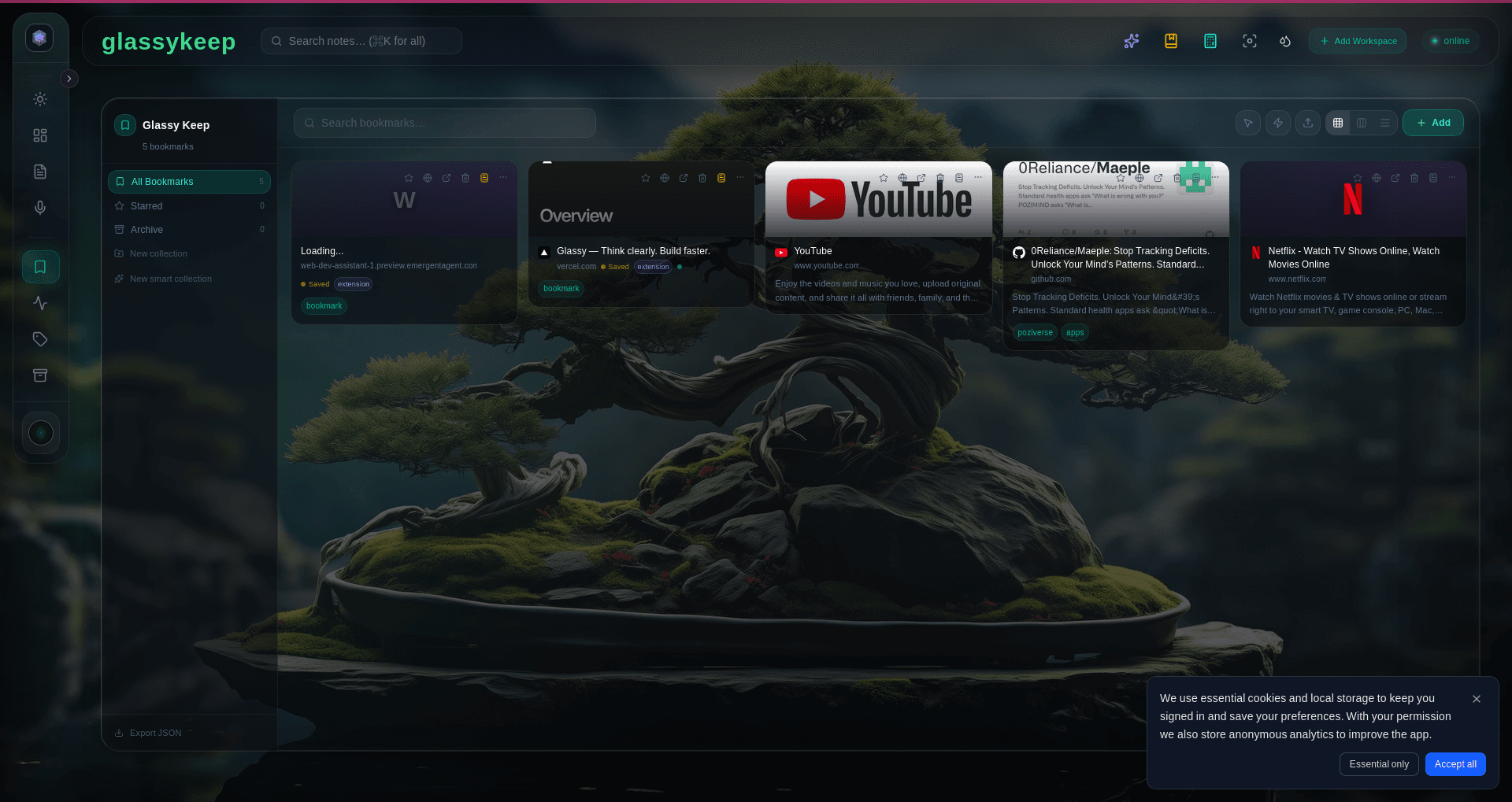
Bookmarks
Purpose: Save a link for later reference.
- Stores: URL, title, tags, description, favicon
- Does not store: page content (text, images)
- Storage impact: Zero — bookmarks do not count toward your storage cap
- Best for: links you want to revisit but don’t need to preserve content for
- Created via: Companion extension Bookmark preset, or paste a URL into GlassyKeep
When to use each
| Situation | Use | Why |
|---|---|---|
| ”I want to read this article later” | Capture | Preserves content even if the page goes offline |
| ”I need to remember this URL” | Bookmark | Lightweight, no storage cost, quick to save |
| ”I have an idea to write down” | Note | Your own content, not from the web |
| ”I want to save this page for reference but don’t need the content” | Bookmark | Saves space, URL is enough |
| ”I’m researching a topic and want the full article” | Capture | Content is preserved and searchable |
| ”I’m writing meeting notes” | Note | Original content created in Glassy |
Storage implications
Check your current storage usage in the Account HUD — it shows your used vs. total capacity. The bar turns amber when you’re near the limit.
Organizing mixed content
Your library will naturally contain a mix of all three types. Here are strategies for keeping it organized:
- Tags work across all types — tag bookmarks, notes, and captures with the same taxonomy
- Collections in GlassyKeep can hold bookmarks and captures together — mix them in the same project folder
- Search covers all types — full-text search returns results from all content types
- The Knowledge Base indexes everything — notes, bookmarks, captures, and documents are all searchable via semantic search
What’s next?
Learn how to search and discover content across your entire library using full-text search and the Knowledge Base.