How AI Works in Glassy
Understand how Glassy runs AI in your browser via WebGPU — two on-device runtimes, what they do, and when cloud AI is an option.
Before you start
- getting-started/03-navigating-the-workspace
What you'll learn
- Understand how Glassy runs AI in your browser via WebGPU
- Know the two on-device runtimes and what each does
- Verify your browser supports local AI
- Understand the privacy model — nothing leaves your device by default
- Know when cloud AI is available as an option
Reference documentation
Read the technical docs for this feature →Glassy runs AI directly in your browser using WebGPU. No downloads, no server to manage, and nothing leaves your machine unless you explicitly choose cloud AI. Grammar fixes, tag suggestions, summaries, and voice transcription all happen on your device.
The privacy model
Two on-device runtimes
Glassy uses two AI runtimes in your browser, each picked automatically for the task:
| Runtime | What it runs | Use cases |
|---|---|---|
| transformers.js | Whisper (speech-to-text), MXBai/MiniLM (embeddings for search) | Voice transcription, semantic search indexing, related notes |
| WebLLM | Qwen 2.5 (0.5B / 1.5B / 3B) | Text generation, summaries, tag suggestions, chat |
How models load
Models are downloaded once, then cached in your browser’s IndexedDB storage. After the first download, everything works offline.
Glassy automatically chooses the smallest model that handles your request well — you don’t need to pick. The first query takes a few seconds longer as the model loads into memory; after that, responses are fast.
Prerequisites
- A Glassy account (Free, Pro, or Clear)
- A modern browser: Chrome, Edge, or Brave (Firefox support in progress)
- At least 8 GB RAM
- A recent GPU — integrated graphics on most laptops from the last 3–4 years work fine
Checking your browser
Open Glassy
Go to app.glassy.fyi and sign in.
Open AI settings
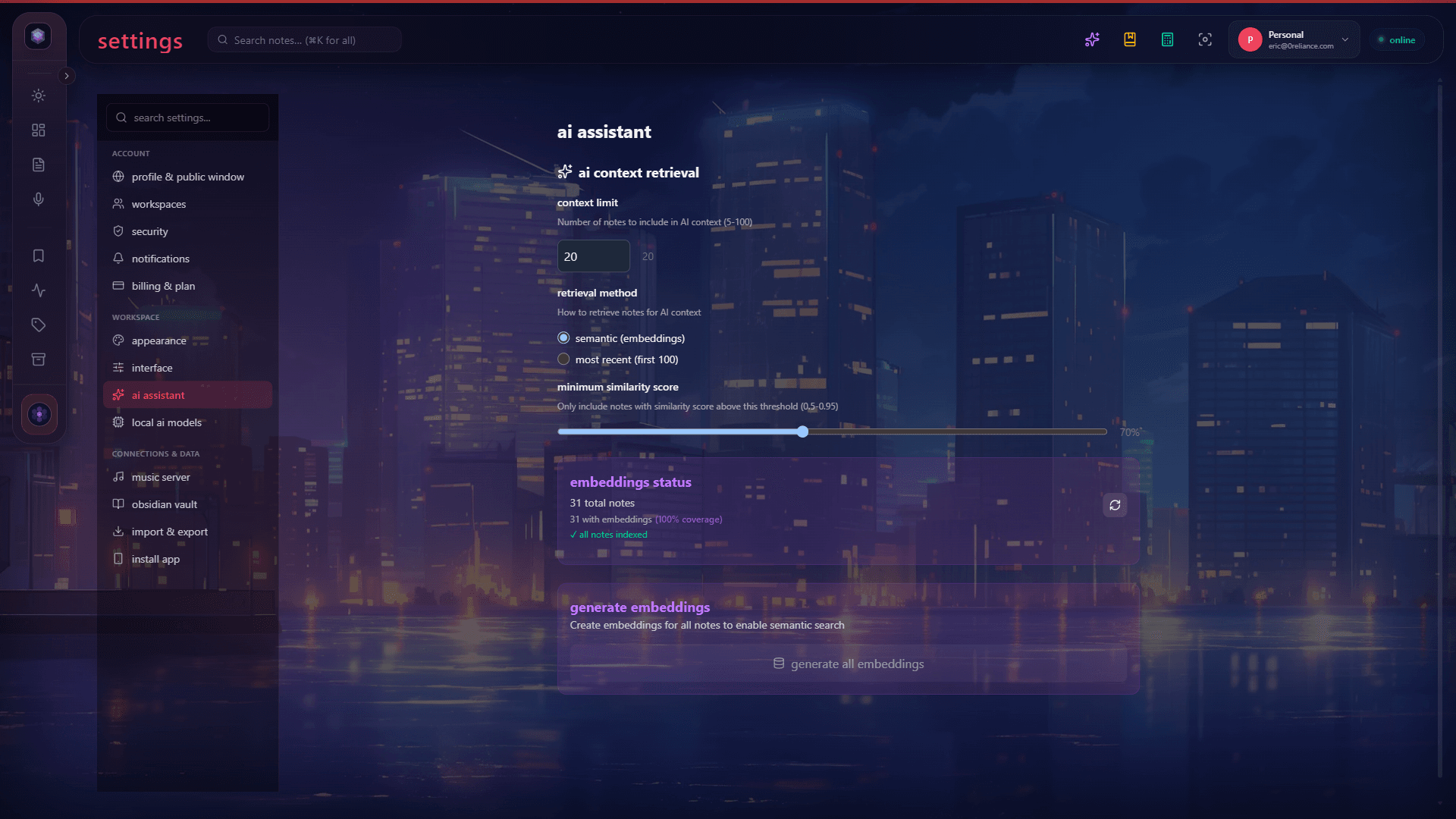
Open the Account HUD → Settings → AI.
Check status
Look for the Local AI section. If your browser supports WebGPU, you’ll see a green indicator. Glassy will download the models on first use (one-time, cached in IndexedDB).
If your browser doesn’t support WebGPU, Glassy will tell you and offer cloud AI as an alternative.
What runs on-device
These features run entirely in your browser — free, private, offline-capable:
- Voice transcription — Whisper converts your voice recordings to text
- Embeddings — your notes are vectorized for semantic search and related-notes discovery
- Summaries — quick summaries of notes and captures
- Tag suggestions — AI suggests tags based on content
- Grammar fixes — clean up text without a cloud call
When cloud AI is an option
For most everyday tasks, on-device AI is all you need. Cloud AI is available when you want:
- A more capable model for complex analysis
- Longer, more detailed responses
- Larger context windows (cloud models handle more text at once)
Cloud AI is opt-in. The next lessons cover how it works on Glassy Cloud (managed providers, cost caps) and Glassy Self-Host (Ollama, no limits).
What’s next?
Now that you understand the foundation, learn how on-device Related Notes and Smart Tags work — the embedding system that powers discovery.